English listening is a crucial aspect of language learning for many individuals. It helps improve vocabulary, pronunciation, and comprehension skills. With the advancement in technology, there are now various ways to access English listening materials anytime, anywhere. One convenient method is through QR codes. This article will guide you on where to scan for English listening and how to create audio QR codes using a QR code generator.
Where can I scan for English listening?
1. Language learning apps: There are numerous language learning apps available that provide English listening materials. These apps usually offer a variety of content, including podcasts, audiobooks, interviews, and news articles. Simply open the app, choose the listening material you want, and scan the QR code provided to access the audio.
2. Language learning websites: Many language learning websites offer audio content for English listening practice. These websites often offer interactive exercises and quizzes to test your listening skills. Look for QR codes accompanying the listening exercises or materials to access the audio directly.
3. Language schools and institutions: If you are attending a language school or institution, they may provide QR codes for listening exercises or assignments. These codes can be scanned using your smartphone or tablet to access the audio content related to your English lessons.
How to create audio QR codes with a QR code generator
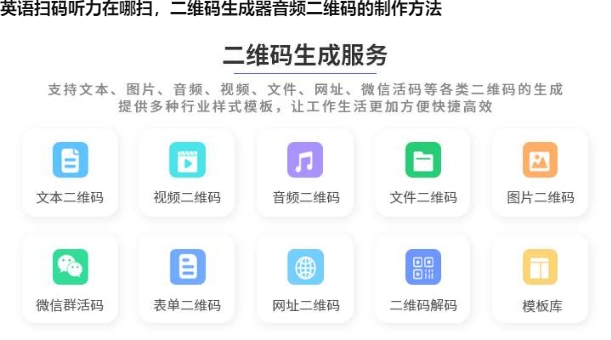
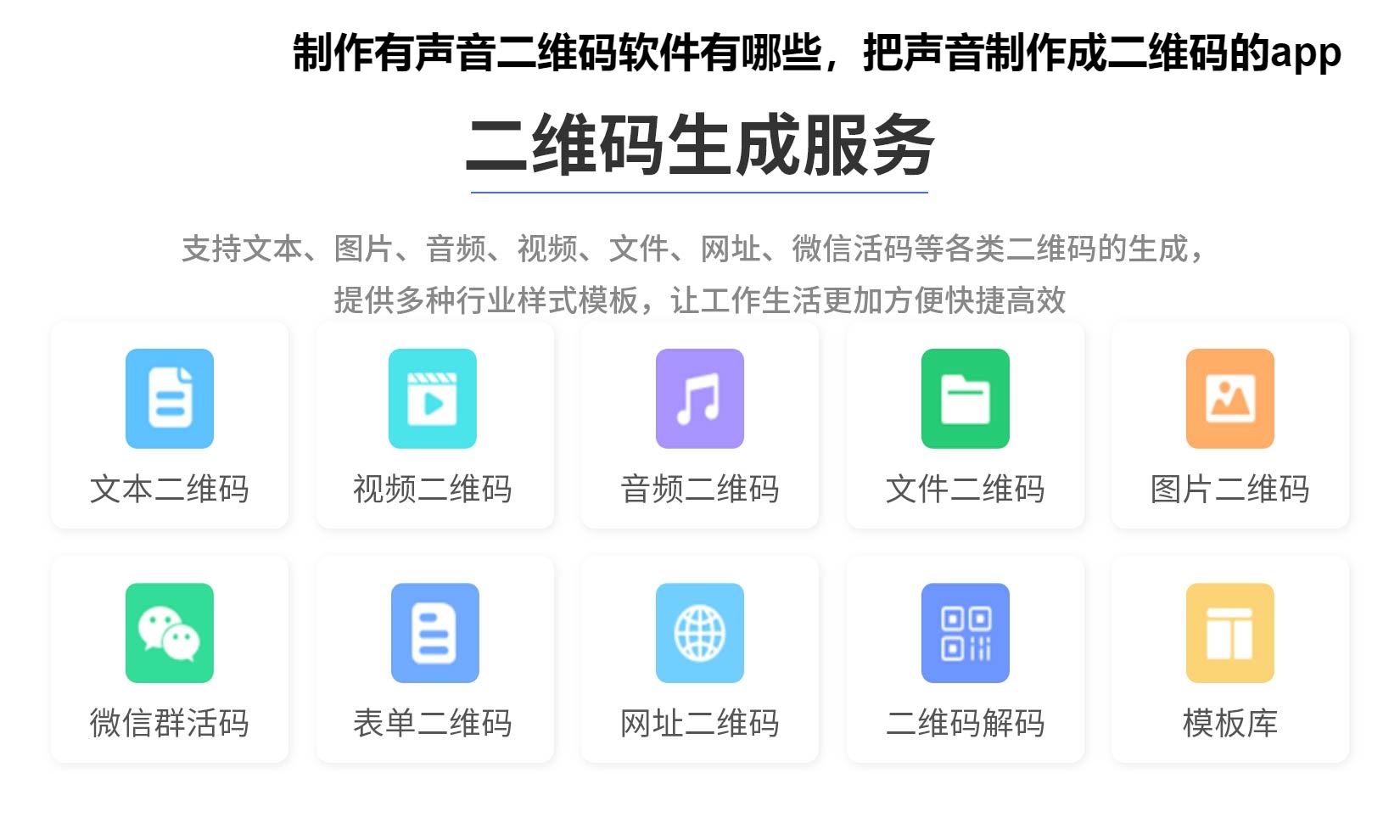
1. Choose a QR code generator: There are several QR code generator tools available online. Select one that supports audio QR codes. Some popular options include Yimeima, QR Code Generator, and QRStuff.
2. Prepare your audio file: Create or select the audio file you want to convert into a QR code. Ensure that the file is in a compatible format and test it to verify its quality.
3. Generate the QR code: Follow the instructions provided by the QR code generator. Upload your audio file, select the appropriate settings, and generate the QR code.
4. Test and verify: Once the QR code is generated, test it to ensure that it directs users to the correct audio file. Scan the code using different devices and QR code scanning apps to verify its functionality.
5. Use and share: Once verified, you can start using the audio QR code. Print it on worksheets, handouts, or posters for easy access to the audio content. You can also share the QR code digitally via email, social media, or messaging platforms.
Using audio QR codes enhances the learning experience by providing instant access to audio materials. It eliminates the need for typing long URLs and allows learners to concentrate on listening and comprehension skills.
English listening materials can be easily accessed through QR codes. Whether you are using language learning apps, websites, or attending language schools, scan the provided QR codes to access a wide range of English listening materials. Furthermore, QR code generators can help you create audio QR codes, allowing you to share audio content conveniently. Incorporate audio QR codes into your language learning routine to enhance your listening skills and enjoy a seamless learning experience.

 510
510  2023-08-19 16:00:01